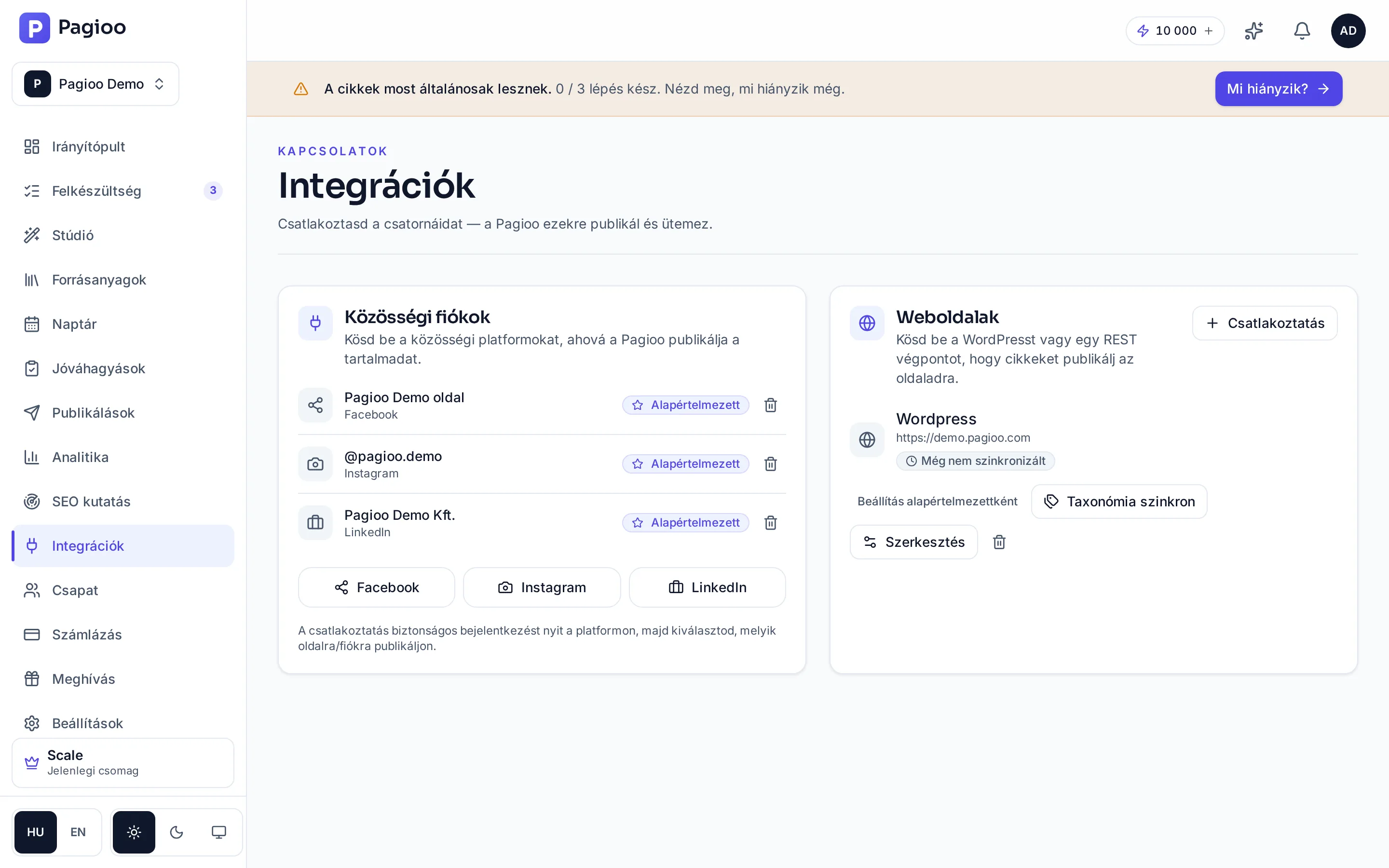
What is supported?
| Connection | What it is for | Availability |
|---|---|---|
| WordPress | Publishing an article to your website, as a draft or live. | From Starter (1 site), Growth 5, Scale 20 |
| Custom API | Publishing into any other system: a headless CMS, an internal portal, a bespoke build. | Within the website connection allowance |
| Facebook, Instagram | Publishing posts to connected business accounts. | Within the social limit: Free 2, Starter 6, Growth 20, Scale 60 |
| Publishing a professional post. | Growth and Scale | |
| Public API and webhooks | Wiring Pagioo's data and events into your own process. | Scale |
The states of a connection
| State | What it means | What to do |
|---|---|---|
| Not connected | No account connected yet. | Connect your first publishing target. |
| Connecting | The flow is running — do not close the window. | Wait and finish the authorisation. |
| Success | The connection is live and selectable when publishing. | Nothing. |
| Permission error | The connection exists but a required permission is missing. | Check the access you granted and try again. |
| Expired token | The authorisation expired or was revoked. | Reconnect the account before the next publish. |
| Publishing error | The content did not go out. | The Publishing status page has the detail. |
Connections live per brand
Each brand connects to its own website and its own social accounts, and connections are not inherited by a new brand. In agency work that is fundamental: one client's content cannot reach another client's channel.
Does Pagioo ask for my social media password?
No. Platform connections are made through an authorisation flow, and you can break the connection at any time in Pagioo's settings.
What happens if I disconnect?
Content already published stays on the target channel. Future publishes scheduled to that channel will fail.
How many channels can I connect?
Up to your plan's limits. Websites: Free 0, Starter 1, Growth 5, Scale 20. Social accounts: Free 2, Starter 6, Growth 20, Scale 60.