What does Pagioo do?
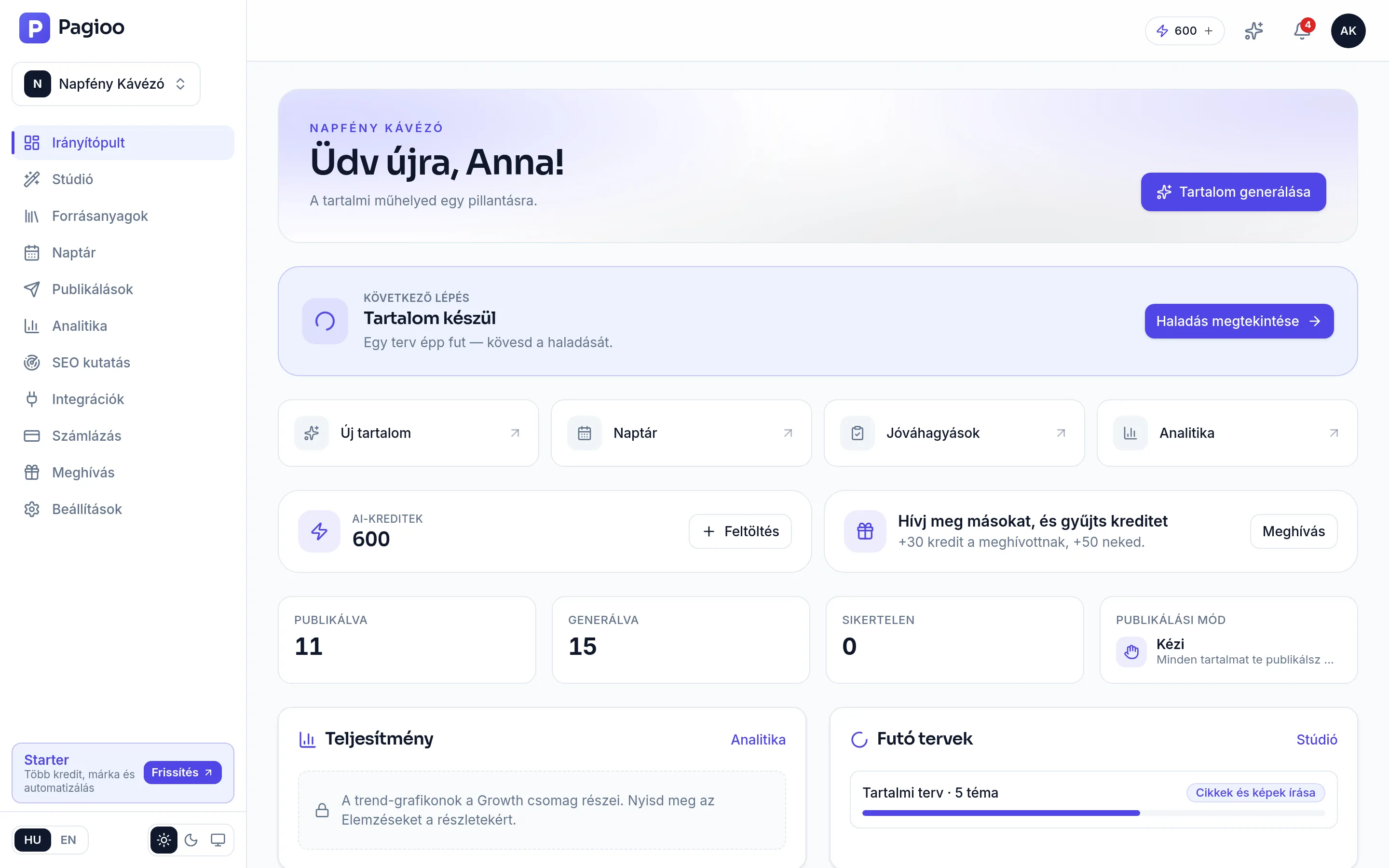
Pagioo is not a text box. It carries a process from end to end, and every step builds on the one before it:
- It learns your brand. The brand brief, the voice samples you provide and the source material you upload become the standing context behind every later piece.
- It researches topics. Suggestions come from your brand, your audience and keyword directions — not from a generic list of content ideas.
- It writes the content. An editable article draft, channel-specific social posts, and an AI image if you want one.
- It runs the review. Editor, SEO feedback, comments, versions, and on larger plans a formal approval flow.
- It schedules and publishes. Content goes from the calendar to WordPress, to a custom API and to your connected social accounts.
Who is it for?
| Who are you? | The usual problem | What Pagioo gives you |
|---|---|---|
| Sole trader, small business | Content always slides to the bottom of the list because there is no time. | A weekly rhythm of on-brand articles and posts, largely self-running. |
| In-house marketer | Many tools, many manual handovers, approvals scattered everywhere. | One process: plan, write, approve, schedule, publish — in one place. |
| Marketing team | Nobody can see what is where, or who is working on what. | A shared calendar, an approval flow, comments and versions. |
| Agency | Several clients, each with a different voice and different channels. | Separate profile, material, calendar and connections per brand, with client review links. |
What does Pagioo not promise?
This is here because it is far more useful to know up front than to discover later:
- It does not replace human review. You approve everything. Always check factual claims, numbers, and legal or medical content before publishing.
- It does not guarantee search positions. SEO and GEO scores are decision-support signals based on Pagioo's own methodology, not official Google or AI-platform rankings.
- It does not publish behind your back. Autopilot follows the workflow you configured: if you require approval, content waits for your decision.
- It does not publish everywhere. The supported targets are WordPress, custom-API publishing, and Facebook, Instagram and LinkedIn. What we do not support, we do not claim.
How do you start?
Producing your first piece needs no card and no subscription. Four steps:
Create an account
Sign up at app.pagioo.com. See: Signing up and your first login.
Fill in the brand brief
This is the step that matters most. Without it you get generic AI copy. See: The brand brief.
Start a run
In the Studio, ask for topics, choose which ones to produce, and start generating.
Review and publish
Edit the draft, check the facts, then schedule or publish.
Do I need a card to try it?
No. The Free plan is 0 €, starts without a card, and does not switch to a paid plan automatically.
Does it write in Hungarian?
Yes — Pagioo was built for Hungarian first and writes Hungarian content. It supports other languages too.
How much content can I make for free?
The Free plan gives 60 AI credits a month, and a single run can produce at most 3 articles. An article body is 1 credit, an AI image 5 credits, a content plan 10 credits.
Will anyone be able to tell that AI wrote it?
That depends on the input you gave it. Without a brand brief, voice samples and your own source material, any AI writes generically. With them — and after your own edit — the content sounds like you. The final check is always yours.