Plan and run
| Content plan | Run | |
|---|---|---|
| What is it? | The list of chosen topics, in order, with dates. | The process that turns the plan into content. |
| When does it appear? | After topic research, from your decisions. | When you start generating. |
| What does it cost? | 10 credits to produce the plan. | Per article: 1 credit of text, 5 credits of image. |
| Can it be changed? | Yes, until you start it. | Not mid-run; afterwards each piece is editable. |
The credit estimate
Before a run starts, Pagioo shows the estimated credit cost and whether it fits your balance. This happens before you start on purpose: the cost of producing content should never be a realisation after the fact. If the balance is short you have two options — choose fewer articles, or top up.
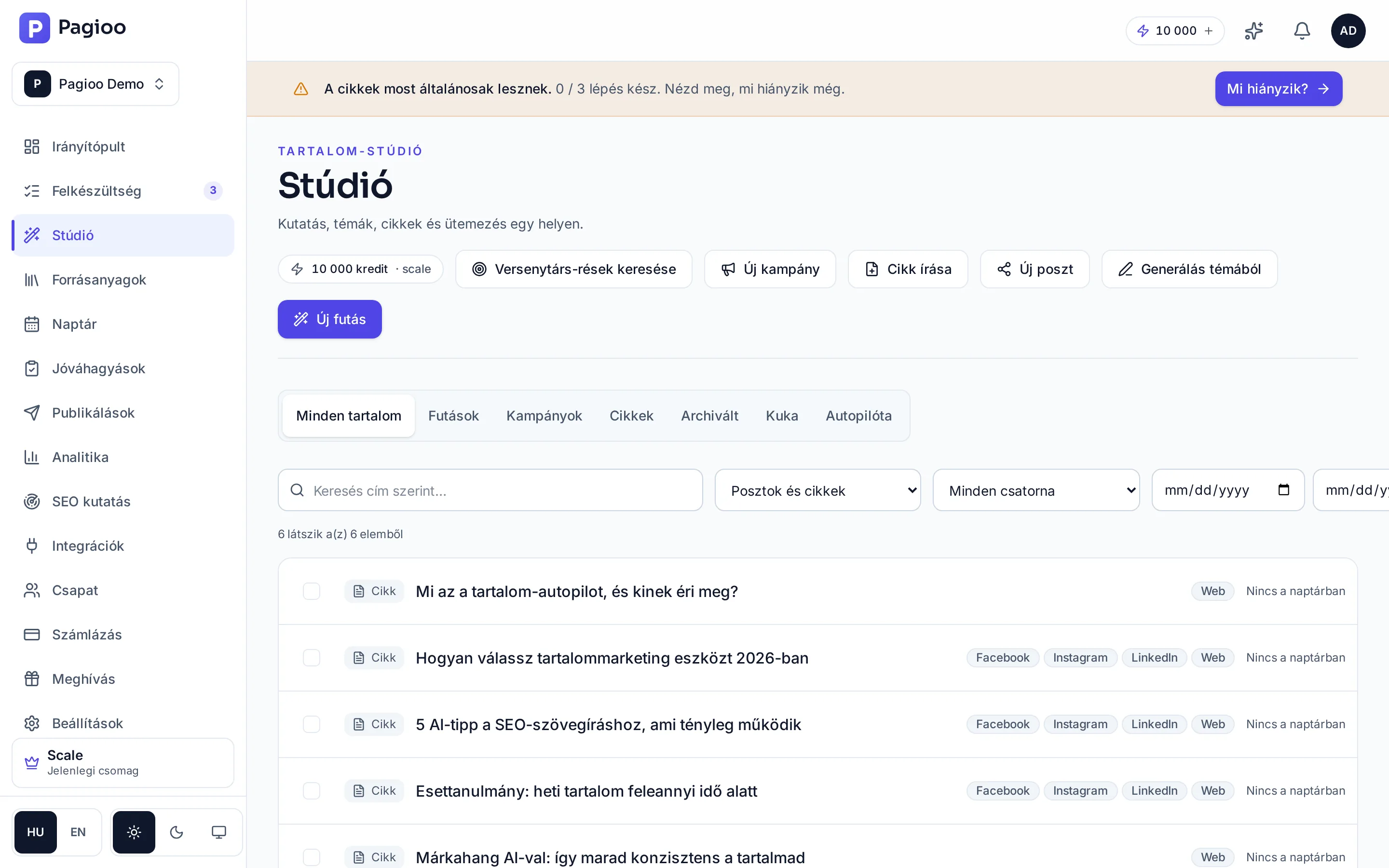
The planning window
The window sets how far ahead you can place content in the calendar. The Free plan's 3 days are enough to try it out; for regular operation Starter's 14 days allow real planning, Growth's 30 a full month, and Scale's 90 a quarter.
When one item stalls in a run
- The run does not stop entirely because of one bad item: the rest is produced.
- The stalled item's state is visible in the Studio and can be retried.
- A failed step does not charge your credit balance.
- If the same item stalls repeatedly, see Generation stalled.
Can I leave the page during a run?
Yes. Generation runs in the background and you can close the browser. The Studio and the dashboard both show the state, and you get a notification when it finishes.
Can several runs go at once?
One run per brand at a time, so the same content is not produced twice. If something is already running, the interface says so.
Can I change the plan after the run has started?
A running plan cannot be changed. The finished pieces can be edited, deleted or rescheduled individually.